Managing Translation Agency Clients, Jobs, Invoices, Purchase Orders, and Client Portals
Replace scattered spreadsheets with connected clients, jobs, invoices, purchase orders, and role-based client portals for translation agency operations.
BLoc Agency Manager · Agency operations
Manage clients, jobs, invoices, purchase orders and subscription requests in one connected workspace.
$15 / month or $150 / year
USD. Yearly billing includes two months free.
Free download of the latest version (ZIP with the user guide). To use it, get a License ID and Activation code.
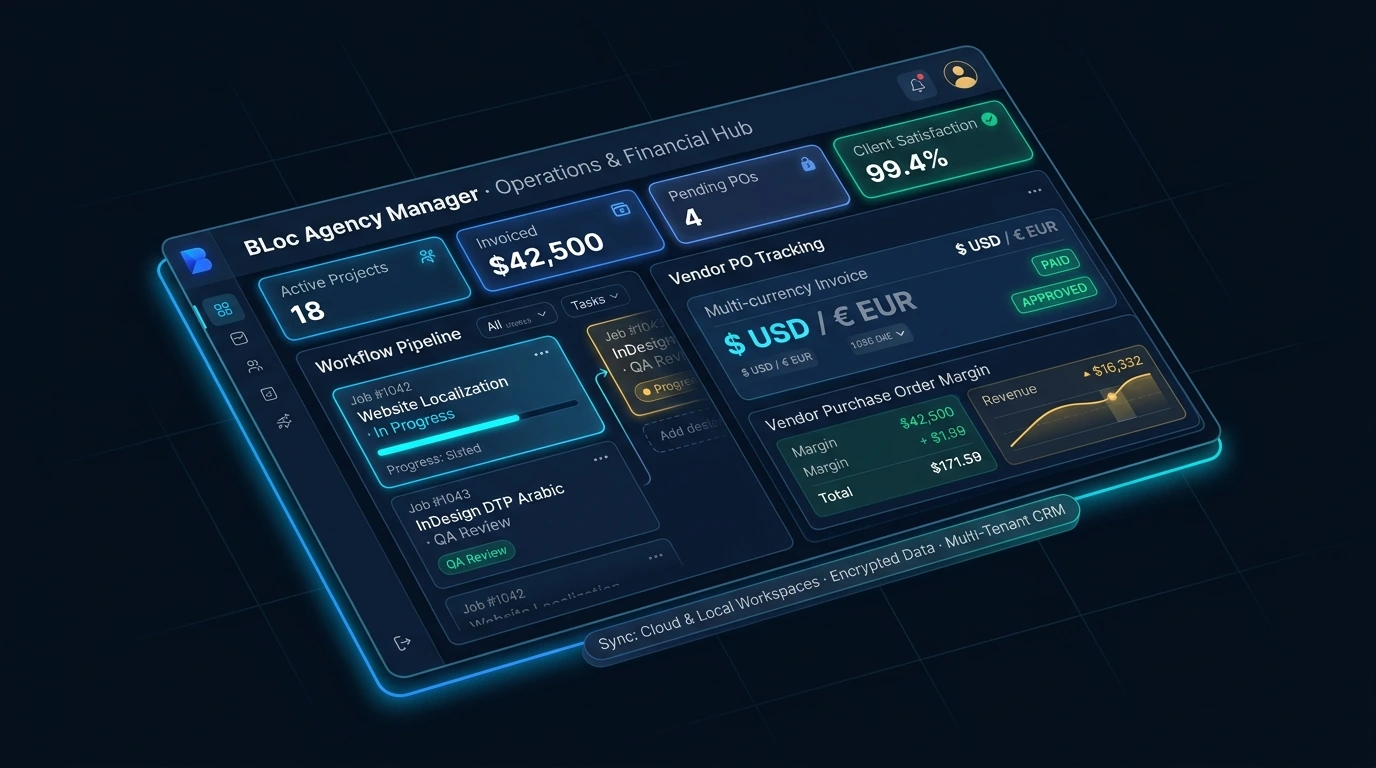
Real workflow · 1:15 · 1080p
Assign work, approve vendor cost, review delivery, generate an invoice and record a manual receipt.
Uses synthetic job data; the receipt is manual and no payment is processed.
00:00 BLoc Agency Manager connects requests, delivery, invoices and agency visibility.
00:05 The client enters the language pair, word count and deadline for review.
00:11 The 100-word sample request appears in the shared review queue.
00:15 Accept the quote and assign project and sales ownership in the same workflow.
00:21 Assign a linguist and approve the purchase order cost: USD 4.00 in this sample.
00:27 Approving the uploaded sample marks the job delivered and consumes 100 words.
00:32 The invoice retains the shared job reference, volume, rate and calculated total.
00:39 Record a manual demo receipt. The invoice updates to paid with zero balance.
00:44 The receipt reference and manual-entry evidence stay visible beside the balance.
00:50 USD 10.00 revenue minus USD 4.00 approved vendor cost gives USD 6.00 margin.
00:58 The sample receipt accrues USD 0.50 commission, pending approval.
01:03 The client sees the paid invoice and remaining capacity; internal costs stay private.
01:10 Connect the request. Track delivery. Understand the numbers. | basetloc.com
Try prepared interactive examples and compare the starting point with the result.
Download the latest Windows version from this page for free: one ZIP file with the program and its user guide.
Choose Get activation code and select your plan. You receive a License ID and Activation code by email; each code works once, on one PC, within 24 hours.
Open the tool, enter your License ID and Activation code (the first activation needs internet), and follow the user guide.
No. Hosting, portal setup, data migration and payment-provider integration are agreed separately. The subscription does not include a hosted service or payment-processing fees.
BLoc Agency Manager includes a client request workflow with role-based access to relevant records. Portal setup, hosting and the records your clients need are agreed during configuration.
No. Issuing an invoice or PO saves the reviewed document in your local workspace so you can verify recipient details before sharing. Manual payment records and multi-currency balances stay under your explicit control, and passphrase-encrypted backups protect your operational database.
$15 / month or $150 / year. USD. Yearly billing includes two months free. The download is free; you pay for the license that activates it.
Download the latest Windows version from this page for free: a ZIP file with the program and its user guide. To use it, choose Get activation code, select your plan, and you will receive a License ID and Activation code by email. Each Activation code works once, on one PC, and must be used within 24 hours. The first activation needs internet.
Windows shows this for new programs downloaded from the internet that it does not know yet. Click More info, then Run anyway. To avoid the message, right-click the downloaded ZIP before unzipping it, choose Properties, tick Unblock, and click OK.
Replace scattered spreadsheets with connected clients, jobs, invoices, purchase orders, and role-based client portals for translation agency operations.
Downloads are free. To use a Windows tool you need a License ID and Activation code for each PC, with periodic online verification. Bug fixes, customer feedback and future updates are included at no additional charge.