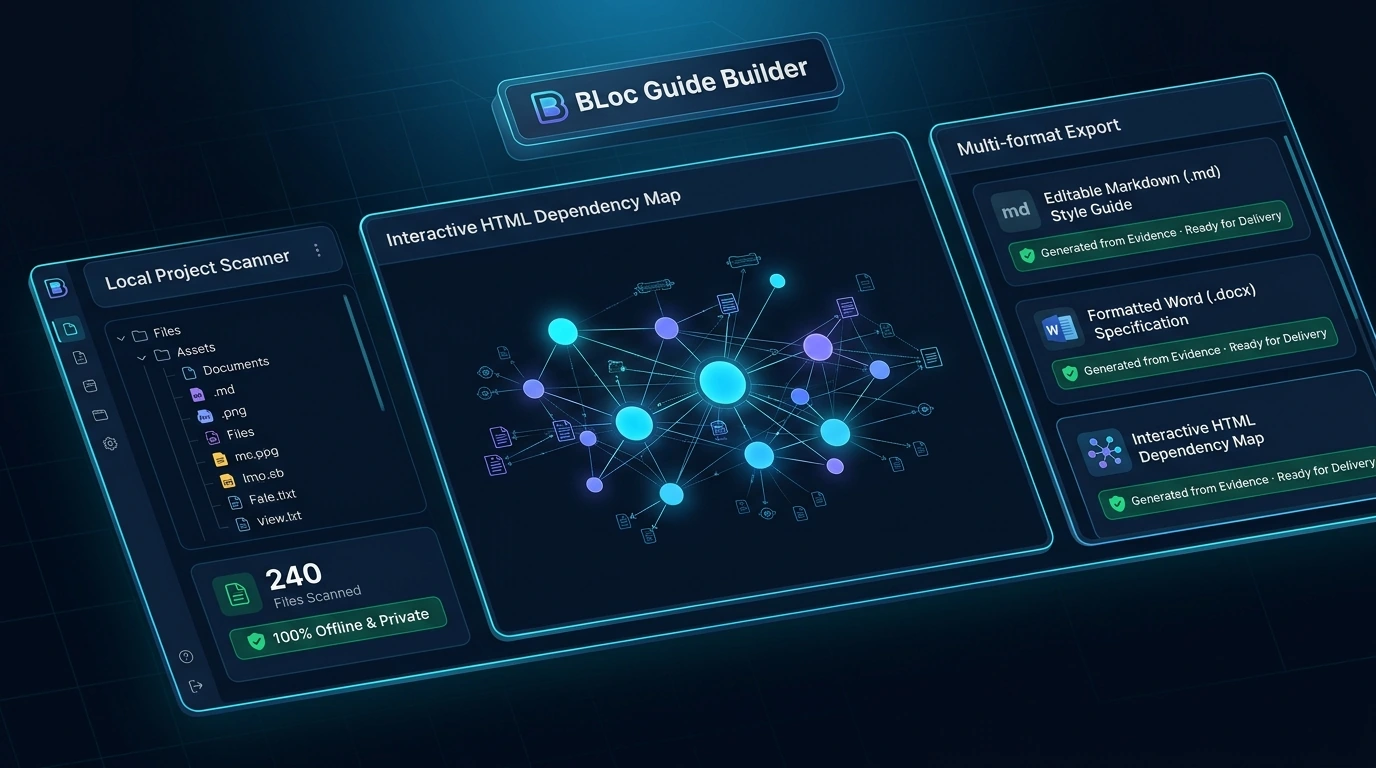
Choose a project folder and read up to 240 supported documentation, manifest, and source files (up to 5 MB of text).
Collect supported command-line help, web routes, package scripts, public docstrings, and HTML button labels as documentation evidence.
Review missing-information warnings and the exact list of files read by the scan.
Edit the Markdown draft in the browser, export to Word (DOCX) or Markdown, or save a portable .wgdraft.json file that preserves text, approved image bytes, and review state.
Process content locally without an external AI API, running project code, or modifying the selected project.
Skip common dependency and build folders, hidden or likely secret files, large files, and symlinks.
Export a standalone HTML dependency map for offline exploration with search and Observed (declared imports) versus Inferred (pattern-matched) filters.
Run consistency checks across related Markdown, TXT, or DOCX files and prepare editable localization style guides before export.
Get started with BLoc Guide Builder
Download the tool
Download the latest Windows version from this page for free: one ZIP file with the program and its user guide.
Get your activation code
Choose Get activation code and select your plan. You receive a License ID and Activation code by email; each code works once, on one PC, within 24 hours.
Activate and start
Open the tool, enter your License ID and Activation code (the first activation needs internet), and follow the user guide.
Questions about BLoc Guide Builder
Does Guide Builder use an AI API or run my project?
No AI API is used for drafting. It reads supported local evidence without running project code or modifying the selected project. Scanning does not test the tool, so review the generated instructions.
What are the scan and export limits?
It reads up to 240 files and 5 MB of text while skipping common dependency and build folders, hidden or likely secret files, large files and symlinks. Export session edits to Word or Markdown before closing.
What is the difference between exporting Markdown and saving a portable .wgdraft.json file?
A portable .wgdraft.json file retains your text, approved embedded image bytes, and review state so you can reopen and continue editing after a restart; plain Markdown does not carry embedded image bytes. Dependency maps export as standalone HTML with Observed and Inferred filters.
How much does BLoc Guide Builder cost?
$7 / month or $70 / year. USD. Yearly billing includes two months free. The download is free; you pay for the license that activates it.
How do I get BLoc Guide Builder?
Download the latest Windows version from this page for free: a ZIP file with the program and its user guide. To use it, choose Get activation code, select your plan, and you will receive a License ID and Activation code by email. Each Activation code works once, on one PC, and must be used within 24 hours. The first activation needs internet.
Windows says "Windows protected your PC" when I open the tool. What should I do?
Windows shows this for new programs downloaded from the internet that it does not know yet. Click More info, then Run anyway. To avoid the message, right-click the downloaded ZIP before unzipping it, choose Properties, tick Unblock, and click OK.
Draft user guides, dependency maps, and localization style guides from local project evidence — no AI API, no code execution, export to Word or Markdown.
Downloads are free. To use a Windows tool you need a License ID and Activation code for each PC, with periodic online verification. Bug fixes, customer feedback and future updates are included at no additional charge.