Exporting, Grouping, Merging, and Auditing Confluence Spaces Locally
Export Confluence spaces to dated local snapshots, group and merge Markdown, then search and compare evidence locally without writing back to your wiki.
BLoc Confluence Workbench · Knowledge workflows
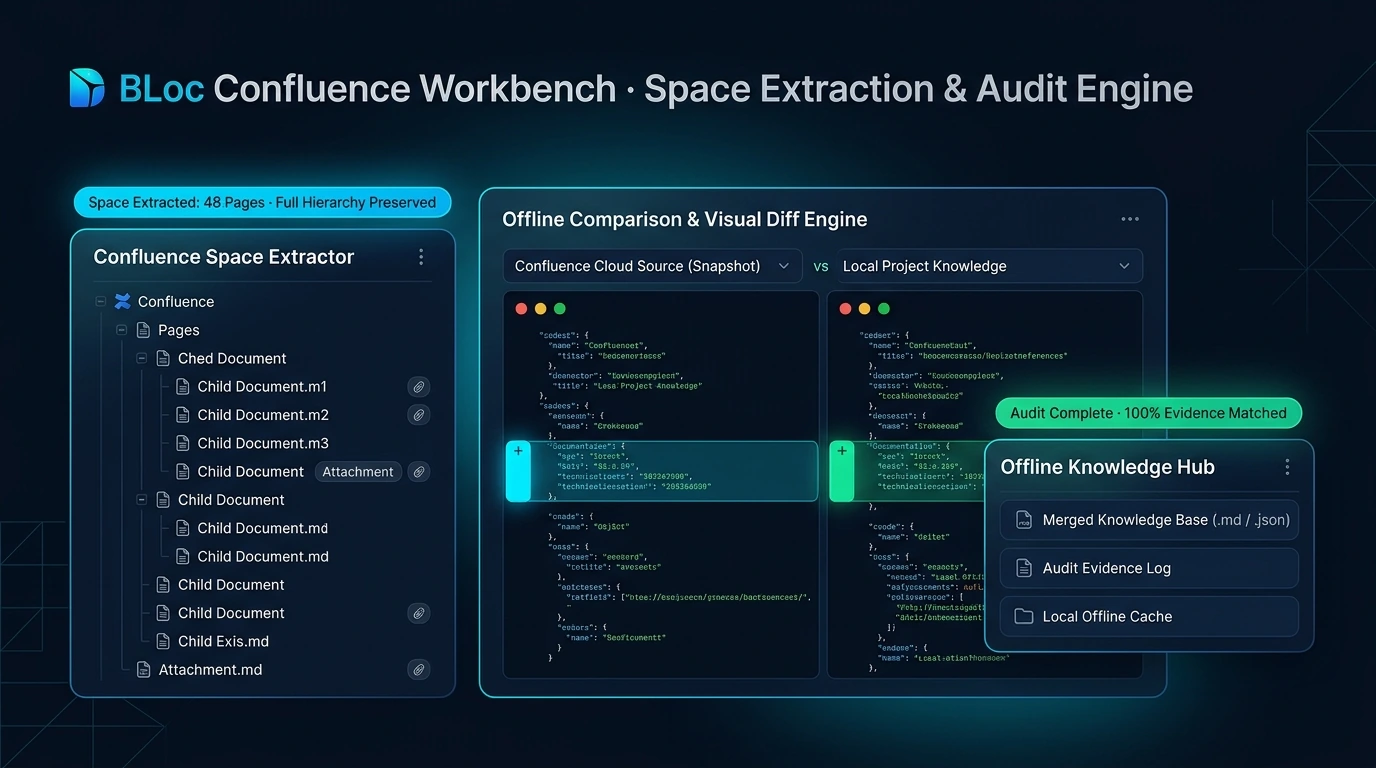
Export, group and merge Confluence knowledge, then search local evidence and compare it with source documents.
$7 / month or $70 / year
USD. Yearly billing includes two months free.
Free download of the latest version (ZIP with the user guide). To use it, get a License ID and Activation code.
Real workflow · 1:08 · 1080p
Index a sample export, compare document evidence and review change candidates before export.
Uses a local sample export; comparison candidates require human review.
00:00 BLoc Confluence Workbench makes exported content easier to search and review.
00:05 Use the real application to organize exports and compare their content.
00:10 This run uses the tool’s existing synthetic Markdown, HTML and JSON sample.
00:15 Search for retention and follow the results back to their source text.
00:21 Select the exported page and run the comparison against the reference file.
00:27 The page says 30 days. The reference says 90 days. Review which rule applies.
00:36 Guest access is allowed in one text and not allowed in the other.
00:45 The tool also flags reference facts without a close match in the selected page.
00:51 Mark the two inspected findings as reviewed. Two other candidates remain.
00:57 Export Markdown and JSON with source excerpts and saved review states.
01:03 Search exports. Compare evidence. Keep a review record. | basetloc.com
Try prepared interactive examples and compare the starting point with the result.
Download the latest Windows version from this page for free: one ZIP file with the program and its user guide.
Choose Get activation code and select your plan. You receive a License ID and Activation code by email; each code works once, on one PC, within 24 hours.
Open the tool, enter your License ID and Activation code (the first activation needs internet), and follow the user guide.
Dated space folders contain Markdown, HTML and JSON, with optional attachments and linked indexes. You can group exported Markdown or merge an existing Markdown folder into a file with a linked table of contents.
No. Export requires authorized Confluence access. Evidence search and comparison run locally and produce review candidates; the app does not write changes back to Confluence.
$7 / month or $70 / year. USD. Yearly billing includes two months free. The download is free; you pay for the license that activates it.
Download the latest Windows version from this page for free: a ZIP file with the program and its user guide. To use it, choose Get activation code, select your plan, and you will receive a License ID and Activation code by email. Each Activation code works once, on one PC, and must be used within 24 hours. The first activation needs internet.
Windows shows this for new programs downloaded from the internet that it does not know yet. Click More info, then Run anyway. To avoid the message, right-click the downloaded ZIP before unzipping it, choose Properties, tick Unblock, and click OK.
Export Confluence spaces to dated local snapshots, group and merge Markdown, then search and compare evidence locally without writing back to your wiki.
Downloads are free. To use a Windows tool you need a License ID and Activation code for each PC, with periodic online verification. Bug fixes, customer feedback and future updates are included at no additional charge.