Extracting Slack Contacts, Organizing Channel Attachments, and Reviewing Thread Evidence
Extract Slack email addresses to CSV, organize document attachments by channel and year, and review thread evidence locally with checkpoint resume.
BLoc Slack Workbench · Slack workflows
Extract email addresses and documents from Slack, then review conversation evidence with optional AI assistance.
$7 / month or $70 / year
USD. Yearly billing includes two months free.
Free download of the latest version (ZIP with the user guide). To use it, get a License ID and Activation code.
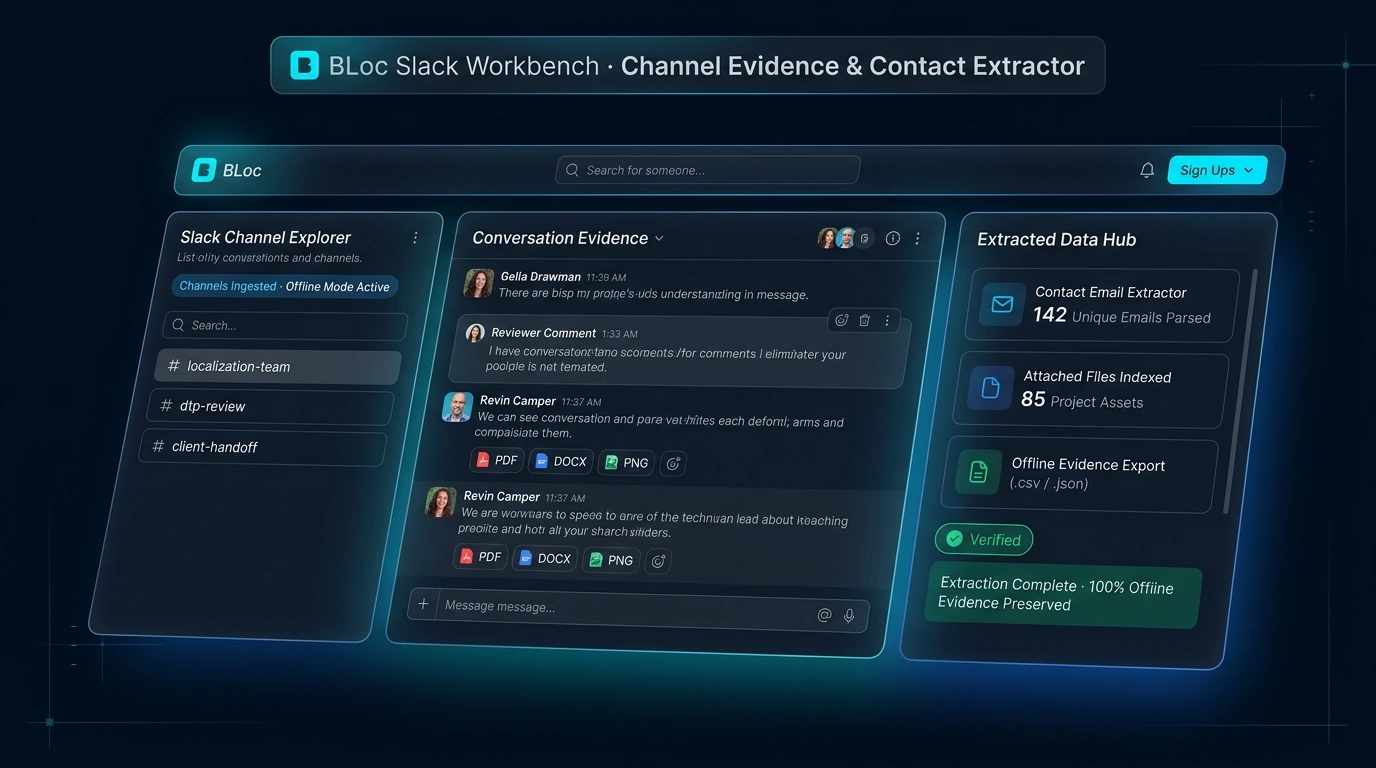
Real workflow · 1:08 · 1080p
Select a sample thread, inspect AI findings and supporting quotes, edit the suggested reply and export.
Recorded with a local model through a compatible API setup; no Slack message is sent.
00:00 BLoc Slack Workbench brings decisions, actions and open questions into one review.
00:05 This demo uses the real application and its existing synthetic thread sample.
00:10 Preview the JSON export: three messages, organized into two separate threads.
00:15 Ada and Ben belong to this thread. The separate conversation stays outside it.
00:22 Analyze the selected thread, then check the findings against the quoted messages.
00:27 The source says to ship after QA. The review keeps the supporting message visible.
00:35 The action names Ada and preserves Friday exactly as written in the source.
00:43 Who will confirm the QA results? It remains open, with the original question attached.
00:51 Edit the suggested reply. It stays unsent, ready for your review and copying.
00:57 Export Markdown or JSON with the selected messages, findings and your edited draft.
01:03 Review the thread. Clarify the follow-up. Keep the evidence. | basetloc.com
Try prepared interactive examples and compare the starting point with the result.
Download the latest Windows version from this page for free: one ZIP file with the program and its user guide.
Choose Get activation code and select your plan. You receive a License ID and Activation code by email; each code works once, on one PC, within 24 hours.
Open the tool, enter your License ID and Activation code (the first activation needs internet), and follow the user guide.
Use your own authorized Slack access and workspace permissions. Extraction follows the supported document-type, date and channel rules, with saved progress for resuming runs.
Thread Review starts with supplied or pasted evidence. You can review locally or explicitly opt into a configured online provider. It does not post replies to Slack.
$7 / month or $70 / year. USD. Yearly billing includes two months free. The download is free; you pay for the license that activates it.
Download the latest Windows version from this page for free: a ZIP file with the program and its user guide. To use it, choose Get activation code, select your plan, and you will receive a License ID and Activation code by email. Each Activation code works once, on one PC, and must be used within 24 hours. The first activation needs internet.
Windows shows this for new programs downloaded from the internet that it does not know yet. Click More info, then Run anyway. To avoid the message, right-click the downloaded ZIP before unzipping it, choose Properties, tick Unblock, and click OK.
Extract Slack email addresses to CSV, organize document attachments by channel and year, and review thread evidence locally with checkpoint resume.
Downloads are free. To use a Windows tool you need a License ID and Activation code for each PC, with periodic online verification. Bug fixes, customer feedback and future updates are included at no additional charge.