Cleaning Contact Lists, Managing Suppressions, and Running Classic Outlook Campaigns
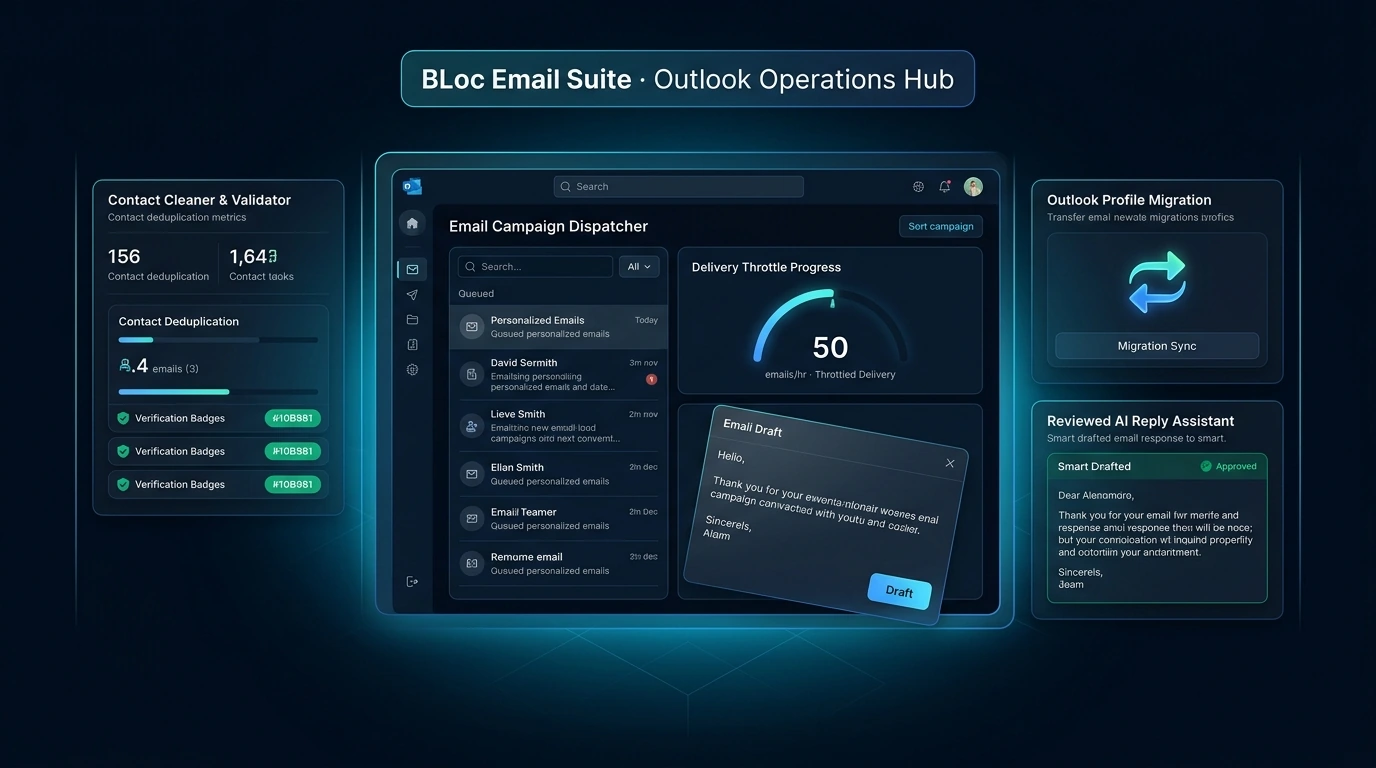
Clean contact lists, manage suppressions, and run Classic Outlook campaigns with personalized previews, daily limits, and bounce scanning in one workflow.
BLoc Email Suite · Email operations
Clean contacts, prepare Outlook campaigns, transfer Outlook settings, and draft replies in one modular suite.
$20 / month or $200 / year
USD. Yearly billing includes two months free.
Free download of the latest version (ZIP with the user guide). To use it, get a License ID and Activation code.
Real workflow · 1:07 · 1080p
Process a fictional contact list, separate retained and review rows, and inspect the downloaded results.
MX checking is off in this sample; retained addresses are not verified for delivery.
00:00 BLoc Email Suite connects email tools in one local workspace.
00:05 Open the real workspace, then use Email Cleaner to prepare a contact list.
00:11 This fictional sample contains duplicates, malformed addresses and exclusions.
00:18 Use a CSV or Excel file. Here, internal.example.com is excluded.
00:25 The real application processes the sample and reports the results.
00:31 20 rows become 9 retained entries, with 4 duplicates and 7 other removals.
00:38 Download the retained list and a separate workbook of removed entries.
00:45 The review workbook records the category and reason for each flagged entry.
00:55 The exported files preserve the results for your next review step.
01:02 One workspace for email operations | basetloc.com
Try seven prepared interactive examples covering contacts, conversion, list cleaning, suppression, campaigns, Outlook settings and reply drafts.
Download the latest Windows version from this page for free: one ZIP file with the program and its user guide.
Choose Get activation code and select your plan. You receive a License ID and Activation code by email; each code works once, on one PC, within 24 hours.
Open the tool, enter your License ID and Activation code (the first activation needs internet), and follow the user guide.
No. AI Reply drafts a reply to the newest incoming message using the conversation context and your signature. You can polish an unsent draft, then review and send it yourself in Outlook.
No. It transfers supported account details, signatures, preferences and templates. Mailbox data is excluded, and Microsoft 365 and Google accounts require sign-in. Outlook workflows require Classic Outlook on Windows.
A sender-account hold (such as a Zoho outgoing block, Gmail quota notice, or Microsoft account hold) pauses the active campaign and returns queued recipients to pending rather than marking them failed or adding them to the suppression database. The shared cleaner also excludes domains with 11 or more bounced or failed addresses.
$20 / month or $200 / year. USD. Yearly billing includes two months free. The download is free; you pay for the license that activates it.
Download the latest Windows version from this page for free: a ZIP file with the program and its user guide. To use it, choose Get activation code, select your plan, and you will receive a License ID and Activation code by email. Each Activation code works once, on one PC, and must be used within 24 hours. The first activation needs internet.
Windows shows this for new programs downloaded from the internet that it does not know yet. Click More info, then Run anyway. To avoid the message, right-click the downloaded ZIP before unzipping it, choose Properties, tick Unblock, and click OK.
Clean contact lists, manage suppressions, and run Classic Outlook campaigns with personalized previews, daily limits, and bounce scanning in one workflow.
Downloads are free. To use a Windows tool you need a License ID and Activation code for each PC, with periodic online verification. Bug fixes, customer feedback and future updates are included at no additional charge.