Batch AI File Translation with Terminology, Translation Memory, and Style Templates
Run batch AI translation across DOCX, PPTX, PDF, XLIFF and more with terminology, translation memory and style templates, then verify before delivery.
BLoc Translate · File translation
Bring AI file translation, translation memory, terminology, and writing rules into one template-based workflow. Translate batches into multiple languages, track each file, and download results ready for review.
$0.01 per source word; no subscription
USD per source word. No monthly or yearly plan.
Real workflow · 1:18 · 1080p
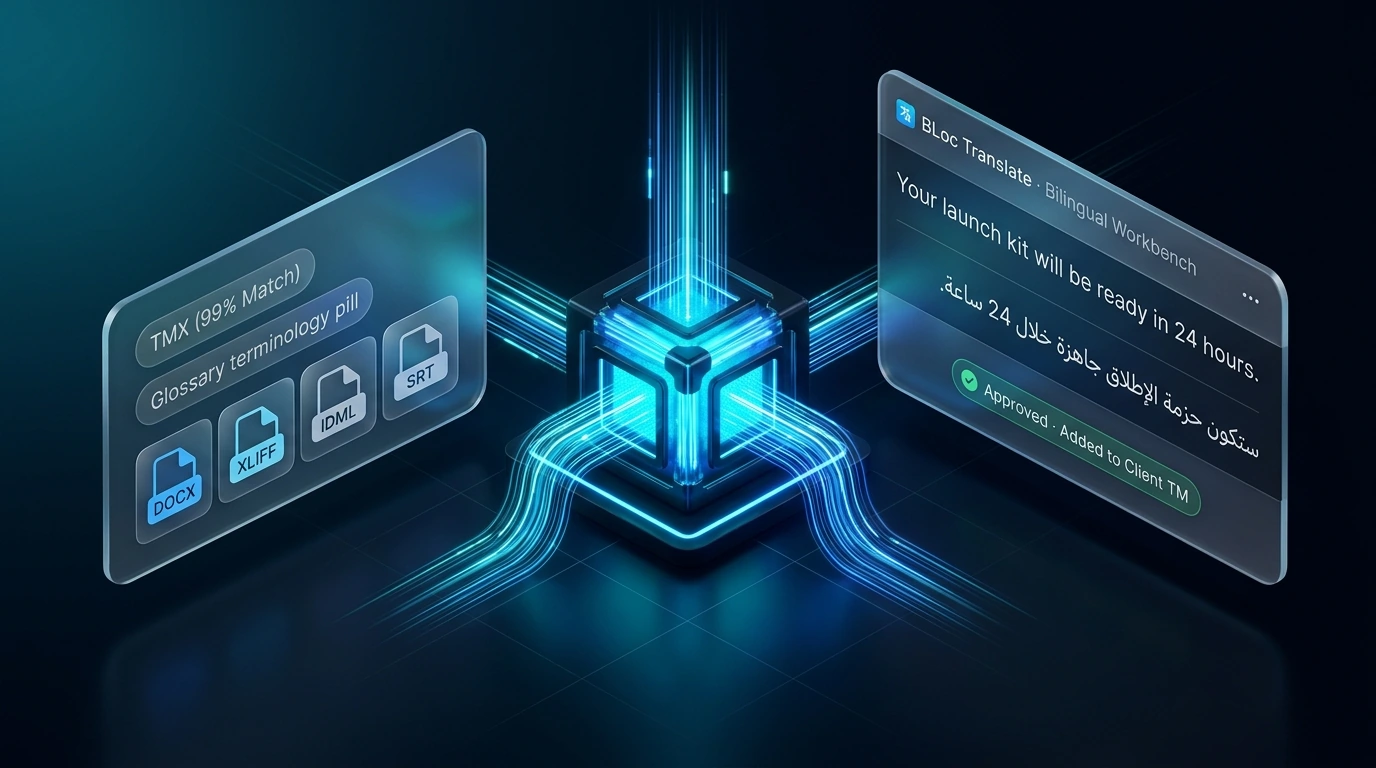
Retrieve glossary terms and approved translations, generate a draft, edit it, approve memory entries and export Arabic text.
The demo uses lexical retrieval and human review.
00:00 BLoc Translate retrieves client references to guide a real AI translation.
00:05 The client profile supplies style instructions, terminology and approved examples.
00:11 Keep approved translations and preferred terminology together for each client.
00:18 Here, “launch kit” receives the client-approved Arabic term.
00:23 Two new English segments are ready for Arabic translation.
00:29 The real model receives two glossary terms and one matching approved translation.
00:34 Both Arabic segments use the approved “launch kit” term; the number 24 is preserved.
00:41 The job exposes its retrieved references. The unrelated invoice entry was excluded.
00:49 Relevant client examples guide generation before you review and approve the result.
00:55 Edit the Arabic directly, then save the reviewed version.
01:01 Approval adds the reviewed segments to this client’s future translation references.
01:06 The client library now holds three approved memories, plus its three glossary terms.
01:13 Client context in. Reviewed translation out. | basetloc.com
Compare a ready English sample with Arabic, German or Simplified Chinese, then explore prepared file, guidance and result workflows.
Request access and describe your files, languages and the work you want to complete.
Account access, pricing and limits are confirmed by email before you start.
Use the tool in your workflow, check the output and share feedback for fixes and future updates.
Supported formats include DOCX, PPTX, XLSX, PDF, XLIFF, IDML, JSON, SRT and VTT. Save legacy DOC, XLS, PPT and PPS files in modern formats first. RTF is processed as plain text.
Assigned templates bring translation memory, terminology, and writing rules into batch translation runs. Where the local segment workbench and Windows companion (Ctrl+Alt+T) are configured for your edition, you can also import client-scoped TMX/TBX/CSV entries, edit bilingual segments, and explicitly approve reviewed translations into memory.
Premium AI provides one-pass translation. Full Workflow uses a three-step process. Your account determines which workflows and templates are available; confirm the appropriate setup for your files and review requirements before starting.
Yes. Upload a batch of supported files, select one source language and multiple targets, and follow each file's progress. Results can be downloaded individually or together as a ZIP. Empty or unsupported uploads are rejected before processing.
BLoc Translate is priced at $0.01 per source word, with no monthly or yearly subscription. AI and external service costs are scoped separately. Confirm pricing and account limits for your project before starting; limited accounts show word usage and remaining quota.
Review the translation, terminology, formatting, and layout before delivery. For supported design files, Localization Prep can help prepare and rebuild content; PDF QC is a separate tool for reviewing translated documents after desktop publishing.
Download results promptly: completed runs are cleared after about six hours. Save the individual files or ZIP, and use New translate to start a fresh batch after completion.
$0.01 per source word; no subscription. USD per source word. No monthly or yearly plan. Final pricing, licensing and availability are confirmed by email.
Use Request access to open the form with the product already selected. Describe your workflow and setup so account access, pricing and limits can be confirmed before you start.
Run batch AI translation across DOCX, PPTX, PDF, XLIFF and more with terminology, translation memory and style templates, then verify before delivery.
Final pricing, account access and limits are confirmed by email. Bug fixes, customer feedback and future updates are included at no additional charge.