Arabic Fonts, English Styles, CJK Typography, and Outlined Math Equations in InDesign
Apply language fonts, inline English character styles, Noto Sans CJK typography and outlined math equations in InDesign, then run guided final QA.
BLoc InDesign · InDesign layout
Prepare localized InDesign documents, apply language and CJK styles, set paragraph rules, run final checks, and handle math equations.
$10 / month or $100 / year
USD. Yearly billing includes two months free.
Free download of the latest version (ZIP with the user guide). To use it, get a License ID and Activation code.
Real workflow · 1:00 · 1080p
Prepare character styles and replace Arabic fonts while preserving the English letters and digits.
Arabic paragraph composition is prepared before the demonstrated font workflow.
00:00 BLoc InDesign automates language-specific styling inside your document.
00:05 Start with a real mixed-language InDesign sample.
00:11 Create and apply character styles to the English text.
00:18 Open the language-based font replacement tool.
00:23 Choose Non English, then select the Arial source row.
00:27 Choose Times New Roman. Leave Include digits unchecked.
00:35 The tool confirms completion inside InDesign.
00:38 Arabic changes to Times New Roman. English letters remain in Arial.
00:49 All 141 English letters and 34 digits retain their font in this sample.
00:55 BLoc InDesign | basetloc.com
Try prepared interactive examples and compare the starting point with the result.
Download the latest Windows version from this page for free: one ZIP file with the program and its user guide.
Choose Get activation code and select your plan. You receive a License ID and Activation code by email; each code works once, on one PC, within 24 hours.
Open the tool, enter your License ID and Activation code (the first activation needs internet), and follow the user guide.
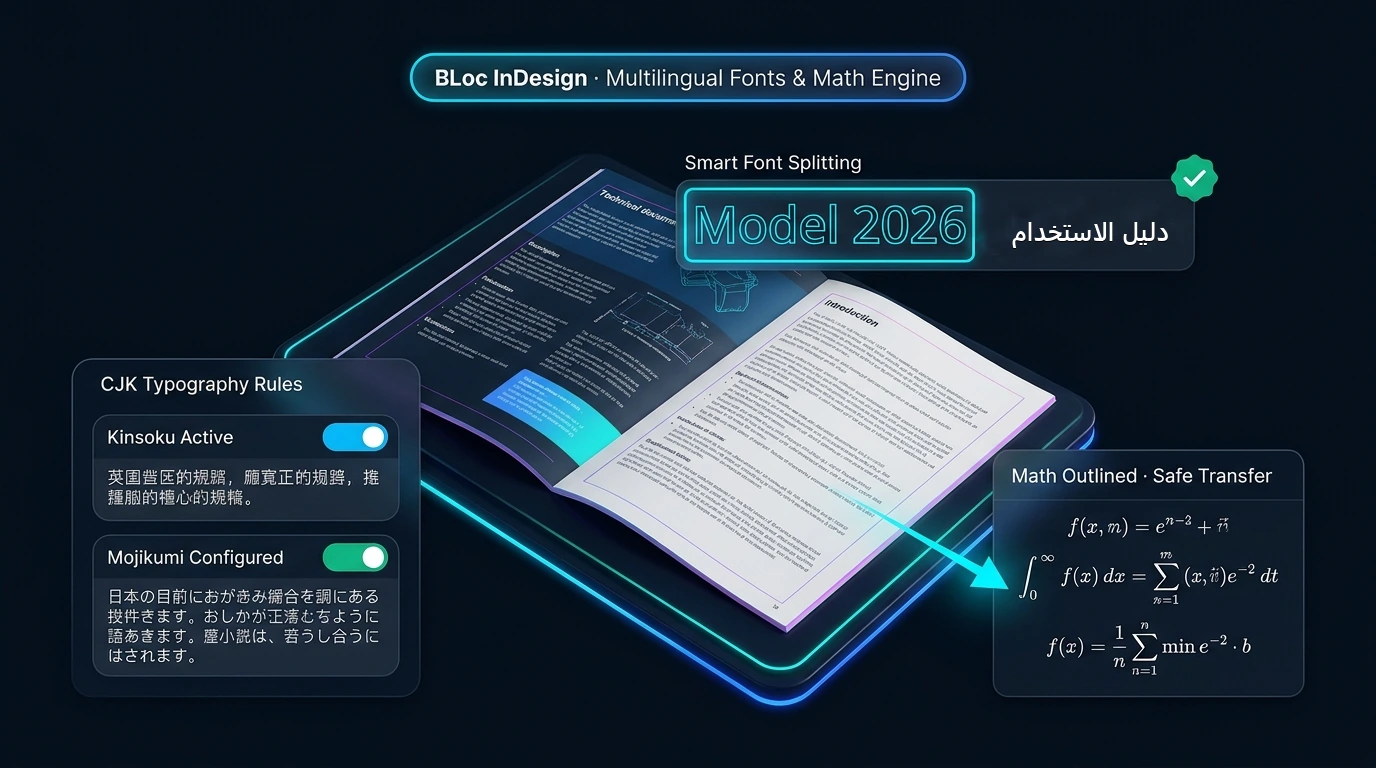
Nine tools cover English character styles, language-specific fonts, math outlining and equation transfer, plus document preparation, CJK style creation and application, CJK paragraph setup and guided final QA.
Save a working copy, then run Global 01 - Prepare Document, CJK 01 - Create Styles, CJK 02 - Apply Styles and CJK 03 - Paragraph Setup as needed. Finish with Global 02 - Final QA Check. Review each report and inspect the document before continuing.
Create styles for Simplified Chinese, Traditional Chinese, Japanese and Korean. Install the matching Noto Sans CJK SC, TC, JP or KR font families first. Review missing-font, missing-style and paragraph-resource warnings, and inspect mixed-script text, wrapping and punctuation.
The final QA workflow offers guided document checks and optional fixes. Choose the steps deliberately and inspect the result; completing the dialog does not certify typography or layout for delivery.
It depends on installed math fonts. STIX Two Math is the documented house font. The tools run in Windows InDesign, with documented testing on InDesign 2025; check your InDesign version before activating.
$10 / month or $100 / year. USD. Yearly billing includes two months free. The download is free; you pay for the license that activates it.
Download the latest Windows version from this page for free: a ZIP file with the program and its user guide. To use it, choose Get activation code, select your plan, and you will receive a License ID and Activation code by email. Each Activation code works once, on one PC, and must be used within 24 hours. The first activation needs internet.
Windows shows this for new programs downloaded from the internet that it does not know yet. Click More info, then Run anyway. To avoid the message, right-click the downloaded ZIP before unzipping it, choose Properties, tick Unblock, and click OK.
Apply language fonts, inline English character styles, Noto Sans CJK typography and outlined math equations in InDesign, then run guided final QA.
Downloads are free. To use a Windows tool you need a License ID and Activation code for each PC, with periodic online verification. Bug fixes, customer feedback and future updates are included at no additional charge.